
No products in the cart.
EDITABLE CANVA PORTFOLIO WEBSITE TEMPLATES
Canva Portfolio Website Templates
That Make Your Work Look
Clear, Credible, and Client-Ready.
Give your services, work and business a clear home online. Whether you’re creating your first portfolio, refreshing your freelance brand or introducing your business, start with an editable Canva website template. Make it yours and share one link that helps potential clients understand what you offer and how to contact you.
FEATURED CANVA PORTFOLIO TEMPLATES
See the whole website
before you decide if it feels like you.
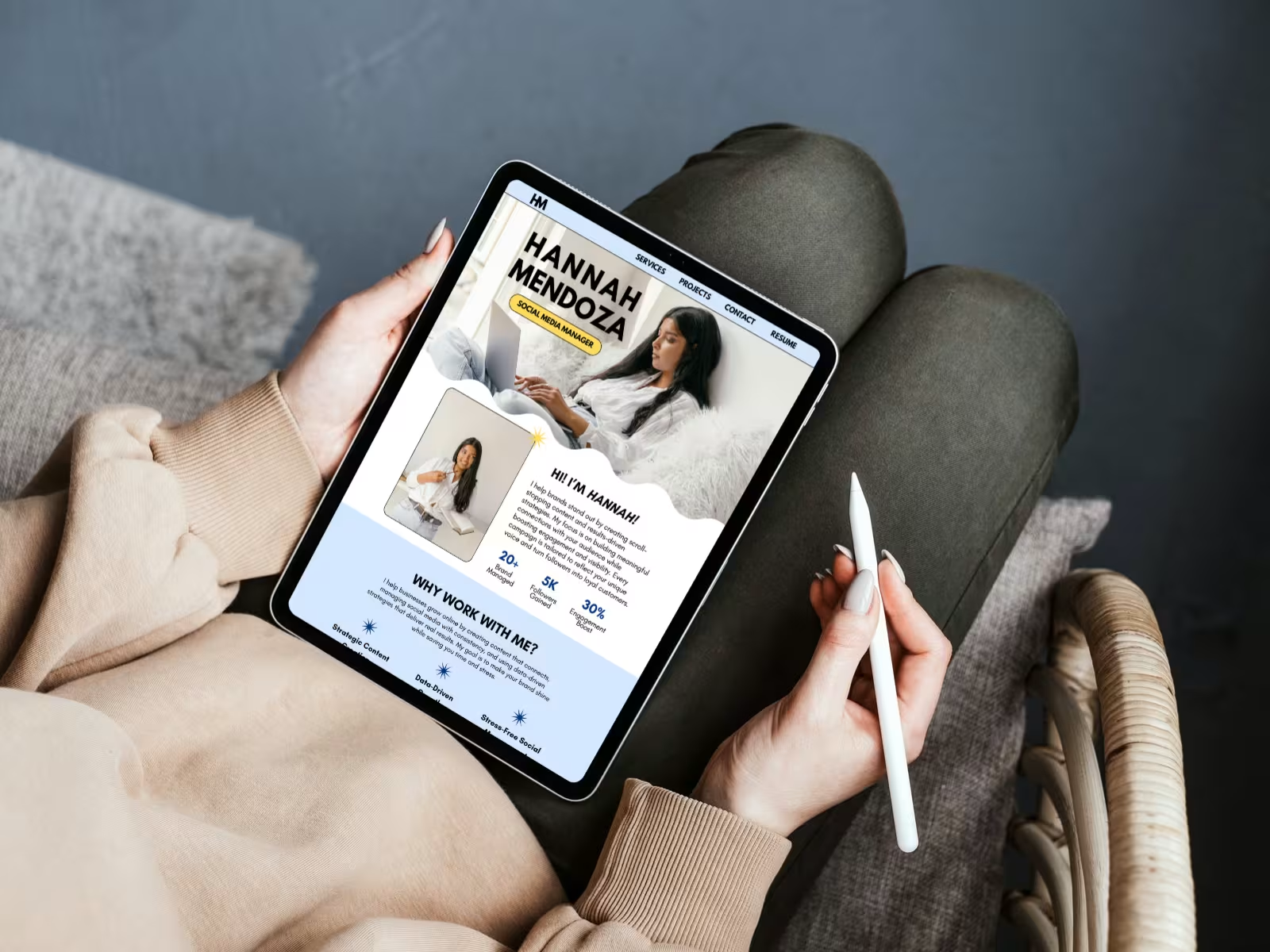
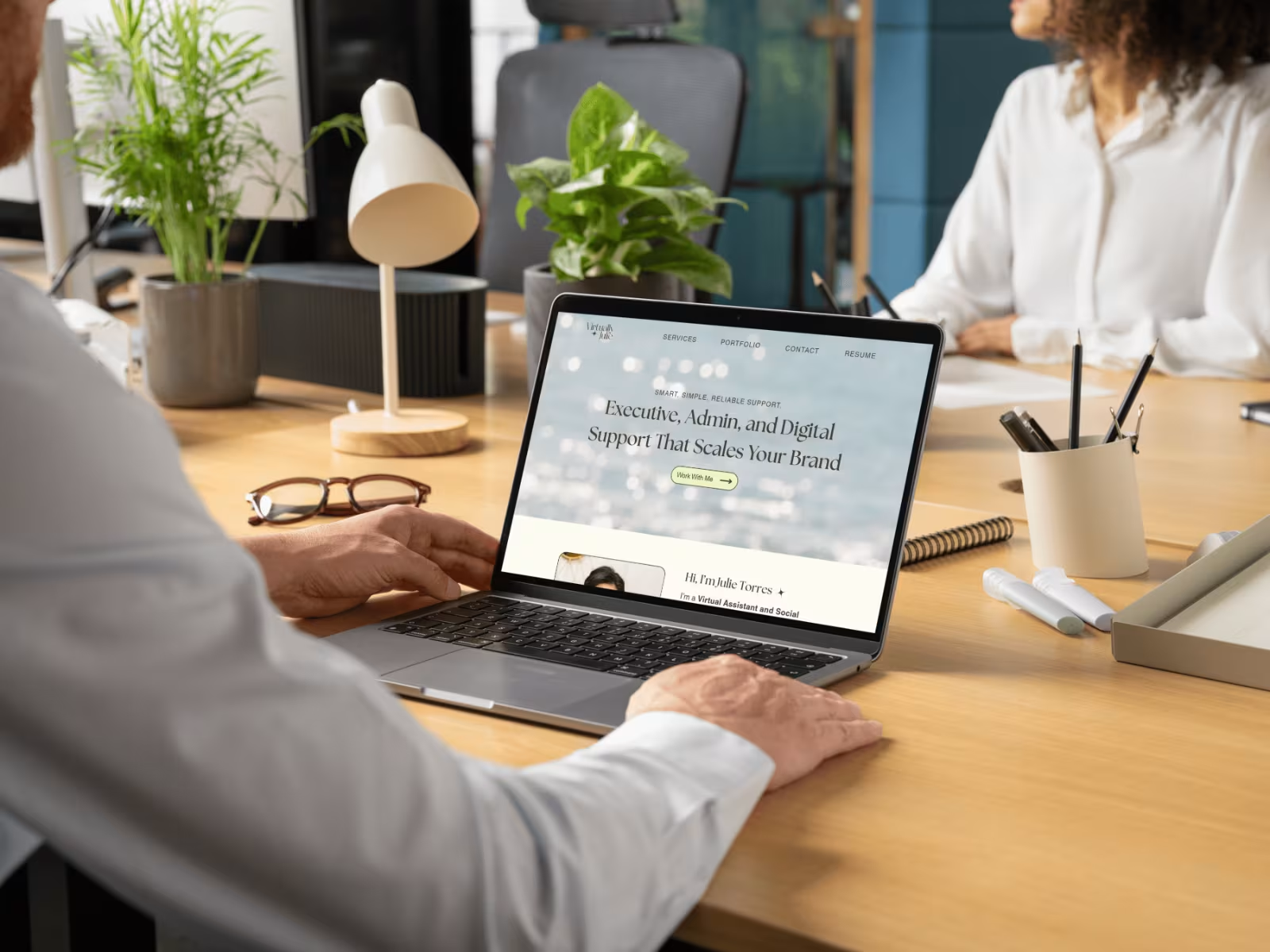
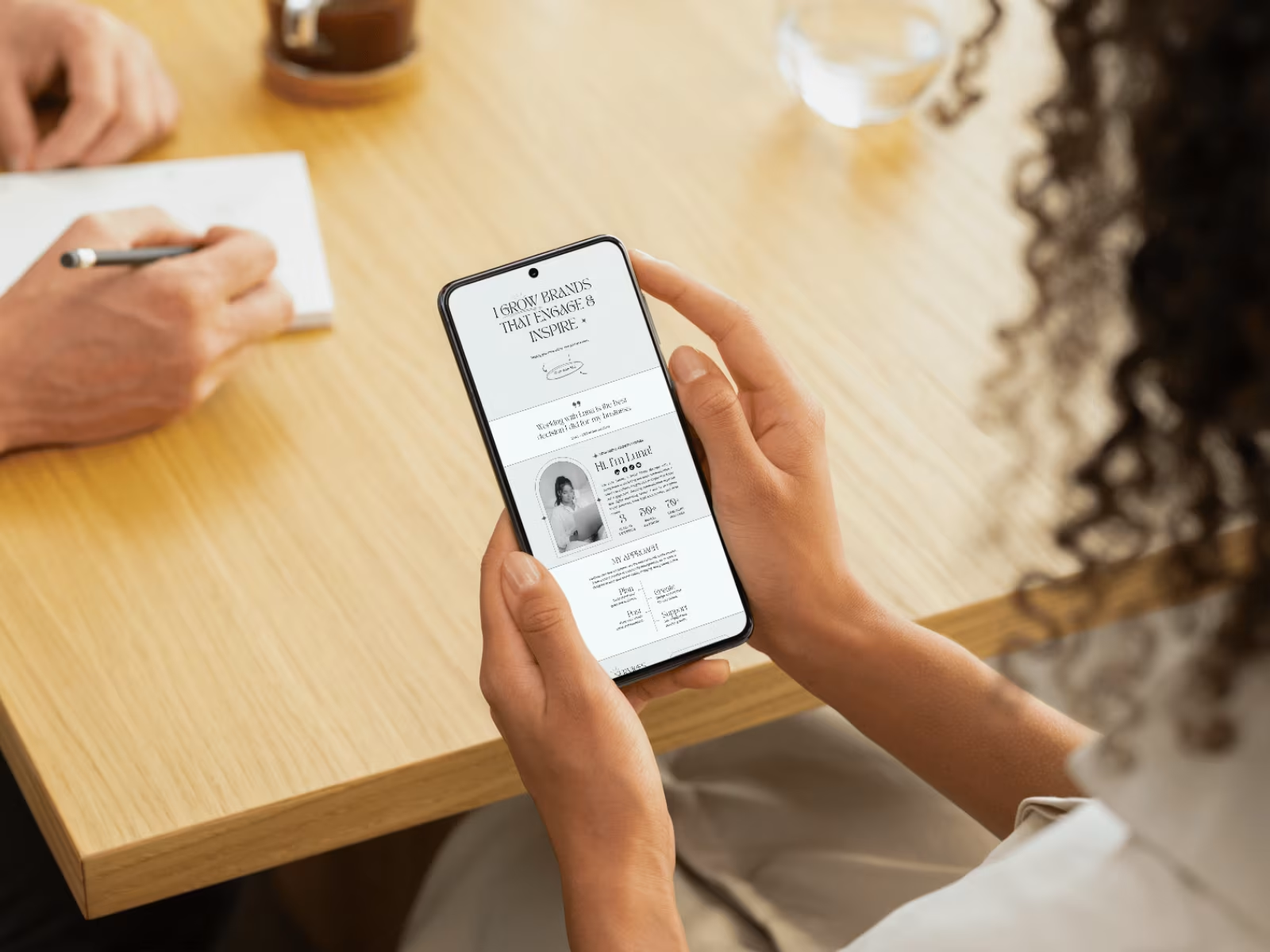
No guessing from a pretty cover. Explore curated starting points, preview the website structure, and imagine your own services, proof and personality inside the design.



■ THE PROBLEM
Your work may be strong. Your portfolio may not be showing it yet.
A prospect should not have to search through several links, folders, posts and files just to understand what you do and whether you are a fit.

Your proof is scattered.
Work samples, screenshots, testimonials and experience often live in different places instead of one clear presentation.
Starting from blank takes too long.
You spend hours deciding layouts and spacing before you even reach the content that actually helps a buyer evaluate you.
Pretty is not the same as clear.
A polished portfolio can still leave a visitor unsure about your services, proof or next step.
■ THE SOLUTION
Start with structure. Add your brand. Publish one polished link.
Virtualfolio gives you the visual framework so you can spend less time arranging sections and more time showing the services, experience and proof that matter.
Service-first structure.
Give your services, work, experience, testimonials, proof and calls to action a logical place.
Easy to make your own.
Update your copy, colors, images and brand details in Canva without rebuilding the whole design.
One link you can actually use.
Send it in DMs, proposals, applications, emails, outreach and client conversations.
BUYER FEEDBACK
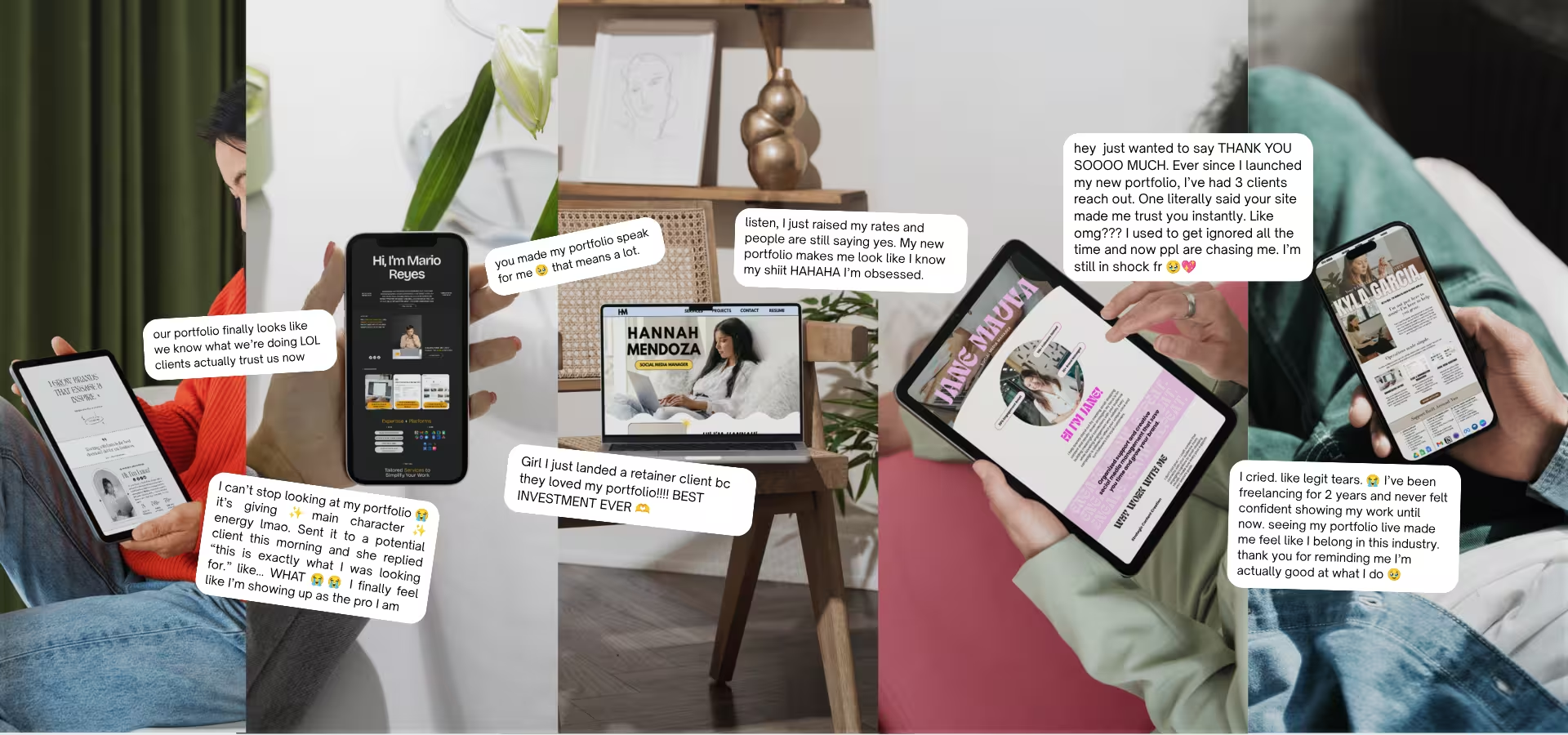
What buyers say after making it theirs.
“I finally stopped sending separate Google Drive links and screenshots. I customized the template in one afternoon and now I have one portfolio link I actually feel confident sharing.”
Maria S.
Virtual Assistant · VA Mono
“I’m not a designer, so having the hierarchy already done meant I could focus on my services and work instead of spacing and layouts.”
Kei D.
Freelance Marketer · SMM Ashen
“The structure saved me the most time. I changed my copy, colors and images in Canva instead of trying to design every section myself”
Sam P.
Social Media Manager · SMM Mauva
“It feels much more like a real brand website than my old PDF portfolio. I love how the services and case studies flow together.”
Janelle C.
Social Media Manager · SMM Chromo
“I never thought that I needed this! This helped me close 2 premium clients.”
Carls E.
Short Video Editor · SMM Azura
“Seeing the full-page preview helped me choose quickly. I knew the sections I was getting before I paid.”
Rina L.
Executive VA · VA Verde
“I finally stopped sending separate Google Drive links and screenshots. I customized the template in one afternoon and now I have one portfolio link I actually feel confident sharing.”
Maria S.
Virtual Assistant · VA Mono
“I’m not a designer, so having the hierarchy already done meant I could focus on my services and work instead of spacing and layouts.”
Kei D.
Freelance Marketer · SMM Ashen
“The structure saved me the most time. I changed my copy, colors and images in Canva instead of trying to design every section myself”
Sam P.
Social Media Manager · SMM Mauva
“It feels much more like a real brand website than my old PDF portfolio. I love how the services and case studies flow together.”
Janelle C.
Social Media Manager · SMM Chromo
“I never thought that I needed this! This helped me close 2 premium clients.”
Carls E.
Short Video Editor · SMM Azura
“Seeing the full-page preview helped me choose quickly. I knew the sections I was getting before I paid.”
Rina L.
Executive VA · VA Sage Green
REAL PURCHASES · REAL CUSTOMIZATIONS · REAL FEEDBACK
■ THE PROCESS
Choose. Customize. Publish.
Start with a professionally structured portfolio, make it feel like you, then publish one polished link you can keep using as your work grows.
01 / CHOOSE
Pick the starting point that feels closest to you.
Explore the designs, preview the full website structure, and choose the template that best fits your services and direction.
02 / CUSTOMIZE
Replace the sample content with your brand and work.
Update the copy, colors, images, services and proof in Canva without starting from a blank page.
03 / PUBLISH
Share one polished link wherever opportunities happen.
Use it in DMs, proposals, applications, emails, outreach and client conversations.
■ WHAT COMES WITH YOUR PURCHASE
A clear starting point and support after you buy.
Your purchase includes the editable template and the support needed to help you get started without guessing what happens next.
01
Editable Canva website template
Start with a professionally structured website design and replace the sample content with your own.
02
Electronic delivery
After successful payment confirmation, download your Access PDF from the thank-you page or your order email. It includes your Canva template link and step-by-step setup instructions.
03
14 days of personal template support
Get help with setup questions and minor product issues for 14 days after purchase. We aim to reply within 1–2 business days.
04
Up to 24 months of eligible access-link support
Get help with eligible Virtualfolio-issued Canva links that become broken or inaccessible, for up to 24 months from purchase.
Digital product · No physical shipment · Canva terms and licenses apply
MADE WITH VIRTUALFOLIO
One starting point.
So many ways to make it yours.
Every portfolio becomes more personal when the real work goes in. Explore how a starting design can take on a different look, voice, and direction.

kkonect portfolio
Carls E · Customized from SMM Ashen
kkonect portfolio
Carls E · Customized from SMM Ashen
kkonect portfolio
Carls E · Customized from SMM Ashen
■VIRTUALFOLIO · A GROWING BODY OF WORK
CAREER
BOOK
■YOUR CAREER, CARRIED WITH YOU.
WHY VIRTUALFOLIO EXISTS
Your portfolio should grow with the career you're building.
Virtualfolio began with a simple idea: your portfolio shouldn’t be something you rebuild from scratch every time someone asks what you can do.
I think of a good portfolio as a career book—a place that can grow with your skills, your work, your clients, and the direction you choose next.
Virtualfolio was built to give freelancers and service providers a clearer starting point, so more of your energy can go into the work itself instead of fighting with a blank page.
Start where you are. Your skills deserve to be seen.
SHOP BY ROLE
Start with the kind of work
you want your portfolio to represent.
Different roles need different ways of presenting services, proof, experience and personality. Choose the starting point that feels closest to the work you do.
01
Virtual Assistant
For VAs who need a clear place for services, tools, experience, proof and the different ways they support clients.
02
Social Media Manager
For SMMs who want to present strategy, services, content work, results and brand experience in one polished link.
03
Freelancer & Service Provider
For independent professionals who need a flexible portfolio structure for services, projects, credibility and next steps.
04
Small Business & Agency
For small businesses, studios and agencies that want a clear website for their services, selected projects, team and client inquiries.
■ COMING SOON
Need something built around your story instead?
Custom portfolio design is planned for people who want a more tailored experience beyond the ready-made template collection.
When available, the service will focus on building a portfolio around your own work, services, proof, personality and direction.
CUSTOM PORTFOLIO DESIGN
Tailored around the work you actually do.
A future service for clients who want more guidance, customization and a portfolio direction built specifically around them.
BEFORE YOU BUY
Know exactly what happens before and after you click buy.
Clear expectations make digital purchases easier. Here’s what to know before choosing your template.
PREVIEW
See the full design before deciding.
Product pages let you inspect the portfolio structure before purchase.
CANVA
Requirements are shown clearly.
Check the product details for the Canva requirements that apply to the template you choose.
DELIVERY
Digital access after successful purchase.
After successful payment confirmation, your Access PDF is available on the thank-you page and through a download link in your order email.
TEMPLATE SUPPORT
14 days of getting-started help.
Personal template support covers setup questions and minor product issues for 14 days after purchase. We aim to reply within 1–2 business days.
ACCESS SUPPORT
Up to 24 months for eligible access-link issues.
Up to 24 months of eligible access-link support covers Virtualfolio-issued Canva links that become broken or inaccessible.
LICENSE & REFUNDS
The rules are available before checkout.
Review the license, refund and cancellation information before placing your order.
PAYMENT
Secure checkout via Maya.
Payment is handled through Maya Business Payment Solutions on the checkout page.
REAL SUPPORT
A real small business is behind the inbox.
If something is unclear, contact Virtualfolio support with your question or order number.
■ QUESTIONS BEFORE YOU CHOOSE
The things buyers usually want to know first.
Get the essentials here. Our full FAQ covers more detailed questions about access, billing, invoices, licenses, support and policies.
Do I need Canva Pro?
Check the requirement shown on the specific product page before purchase. Some templates may work with a free Canva account, while a particular design may use features that require a paid Canva plan. Any important requirement should be disclosed before checkout.
Can I customize the colors, fonts, images and copy?
Yes. Virtualfolio templates are designed to be personalized with your own brand, services, work samples, testimonials and calls to action, subject to the product license and applicable Canva content rules.
Is this a PDF portfolio or a Canva website?
These are editable Canva portfolio website templates. Your downloadable Access PDF contains the Canva template link and step-by-step setup instructions. No physical item is shipped.
What happens after I buy?
After successful payment confirmation, download your Access PDF from the thank-you page or the download link in your order email. The PDF includes your Canva template link and step-by-step setup instructions.
Will my finished portfolio work on mobile?
The templates are designed with smaller-screen presentation in mind. Because your own copy and images can change the final layout, always preview your customized Canva website on desktop and mobile before publishing.
What support is included?
Eligible purchases include 14 days of personal template support for setup questions and minor product issues, plus up to 24 months of eligible access-link support. We aim to reply within 1–2 business days.
What if the product does not work as described?
Contact support with your order number and details of the issue. Problems involving defects, incorrect delivery, non-delivery or material differences from the product description are handled according to the applicable Refund & Cancellation Policy and consumer rights.
■ FREE CANVA SOCIAL MEDIA TEMPLATES
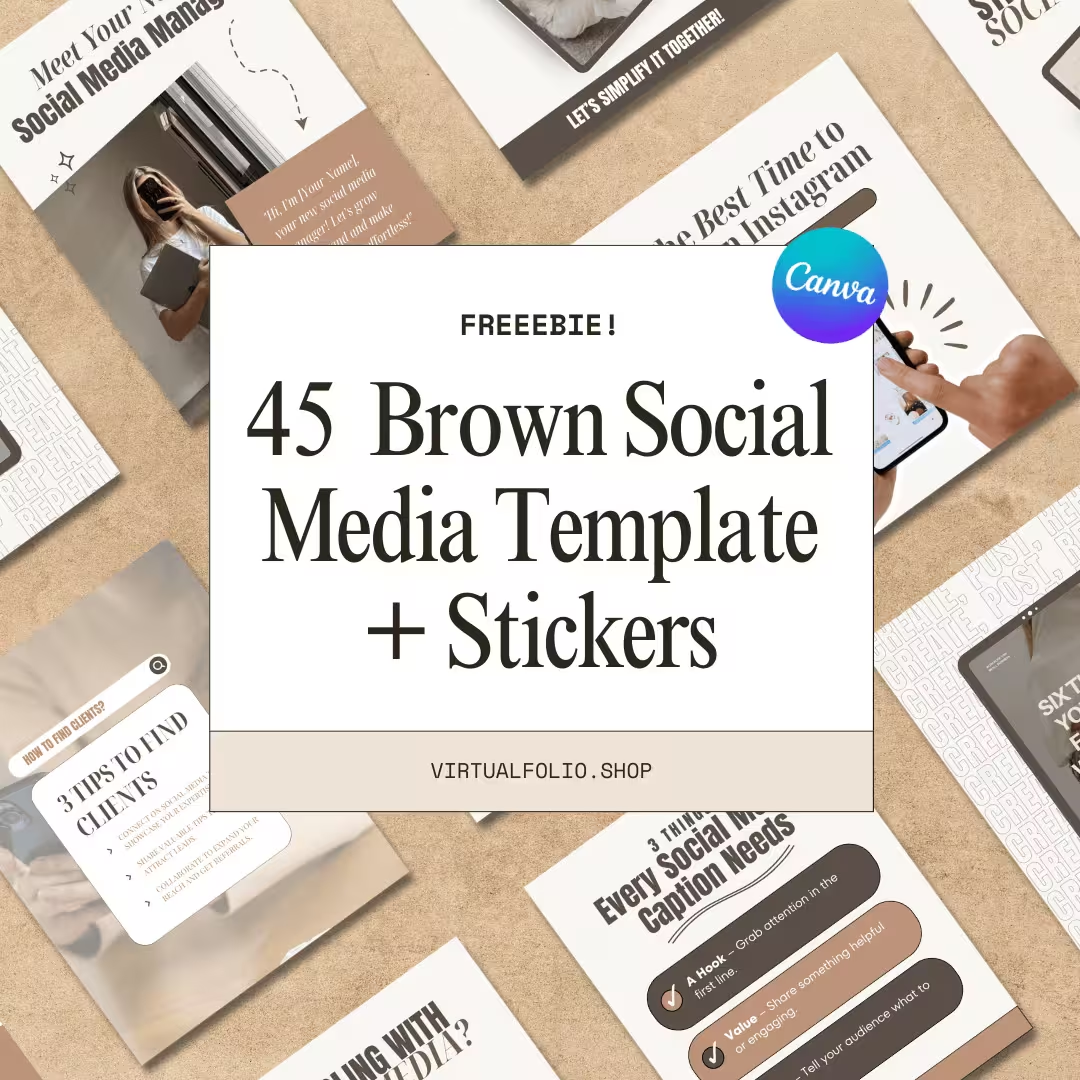
A SMALLER PLACE TO START.
NOT READY TO BUY YET?
Start with something useful.
Download the free Canva social media template pack and build a more consistent online presence while you work on your portfolio.
By submitting your email, you agree to receive the requested free resource and related Virtualfolio emails.
READY WHEN YOU ARE
You already did the hard part: building the skills. Give the work a better place to live.
Browse the full collection of editable Canva portfolio website templates and choose the design that makes you think, “Yes! This is how I want people to see my work.”